> For the complete documentation index, see [llms.txt](https://docs.openspaces.design/llms.txt). Markdown versions of documentation pages are available by appending `.md` to page URLs; this page is available as [Markdown](https://docs.openspaces.design/readme-1/sections-and-features/video-spotlight-section.md).
# Video Spotlight Section
### **What You’ll Learn**
* How to showcase a featured video with a title and call-to-action
* How to customize video behavior (autoplay, controls)
* How to adjust layout, spacing, and aspect ratio
* How to style the section’s colors and typography
***
### 🧩 Section Overview
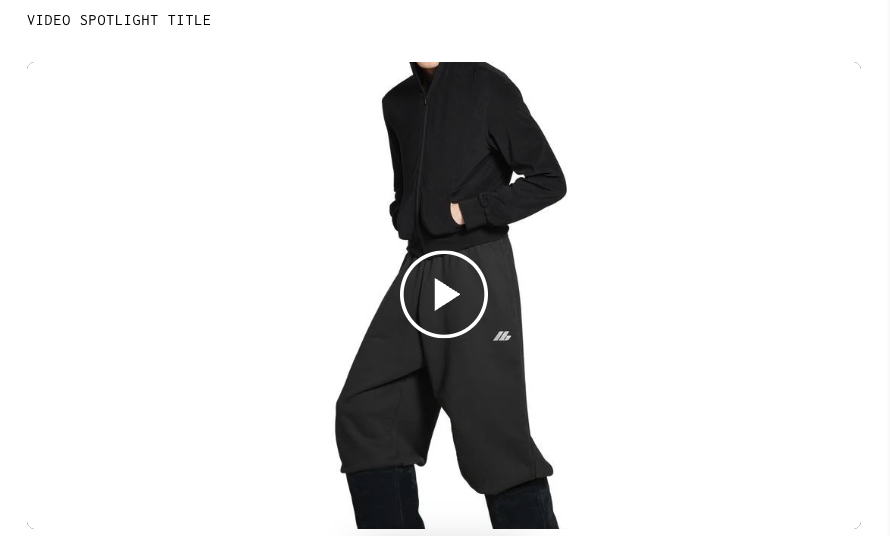
The Video Spotlight section is designed to highlight a single video with supporting text and an optional CTA link. Ideal for campaigns, interviews, or product feature videos, this section is fully responsive and supports autoplay or manual controls.
***
### How to Add the Section
1. In the **Shopify Theme Editor**, click **Add section**
2. Choose **Video Spotlight**
3. Drag it into position on your page layout
***
### Content & Data Settings
* **Video**: Upload or select your video file
* **Cover Image**: Optional fallback thumbnail image (used before video loads)
* **Header Text**: Title shown above the video (e.g., “Watch the Story”)
* **View Link Text**: Button text (e.g., “Watch Now”)
* **View Link URL**: Paste a product, page, or external video link
> 💡 Tip: Use a short video (under 10MB) in `.mp4` format for best performance across devices.
***
### Layout & Display Options
* **Autoplay Video (Muted)**: Toggle ON to play automatically on load (without sound)
* **Show Video Controls**: Enable to show play, pause, volume, and fullscreen icons
* **Width Style**: Choose between:
* Full width with Gaps
* Full width (edge to edge)
* Content width (aligned to inner content)
* **Aspect Ratio**: Pick from common formats like 16:9 or 4:3
> ⚠️ Autoplay may not work on iPhones if Low Power Mode is enabled.
***
### Typography
* **Section Header Size**:
* Desktop: Adjustable in pixels
* Mobile: Adjustable in pixels
* Toggle **Bold Section Title** and **Bold View Link** if desired
***
### Colors
* **Header Color**: Choose any hex value (e.g., `#000000`)
* **Background Color**: Transparent by default; customize as needed
***
### Styling
* **Round Corners**: Adjust the border radius of the video container
***
### Spacing
Customize spacing independently for desktop and mobile:
* **Top and Bottom Spacing (Desktop)**
* **Top and Bottom Spacing (Mobile)**
Each spacing option can be adjusted to fine-tune the layout flow.
***
### **Need Help?**
* 💬 **Join our community on Discord:**
* 📧 **Email us at:**
* 💻 **Live chat with us:** Available Monday–Friday, 10AM–6PM EST, directly on our website
---
# Agent Instructions
This documentation is published with GitBook. GitBook is the documentation platform designed so that both humans and AI agents can read, navigate, and reason over technical content effectively. Learn more at gitbook.com.
## Querying This Documentation
If you need additional information that is not directly available in this page, you can query the documentation dynamically by asking a question.
Perform an HTTP GET request on the current page URL with the `ask` query parameter, and the optional `goal` query parameter:
```
GET https://docs.openspaces.design/readme-1/sections-and-features/video-spotlight-section.md?ask=&goal=
```
`ask` is the immediate question: it should be specific, self-contained, and written in natural language.
`goal` is optional and describes the broader end goal you are ultimately trying to accomplish on behalf of the user. GitBook uses it to tailor the answer towards what is most useful for that goal.
The response will contain a direct answer to the question and relevant excerpts and sources from the documentation.
Use this mechanism when the answer is not explicitly present in the current page, you need clarification or additional context, or you want to retrieve related documentation sections.